1. Create an app
- Sign in to your tenant.
- In the app overview, enter Design mode ().
- Click the red plus (), enter a name and pick an icon, then Save.
- Leave Design mode and open your app by clicking its entry.
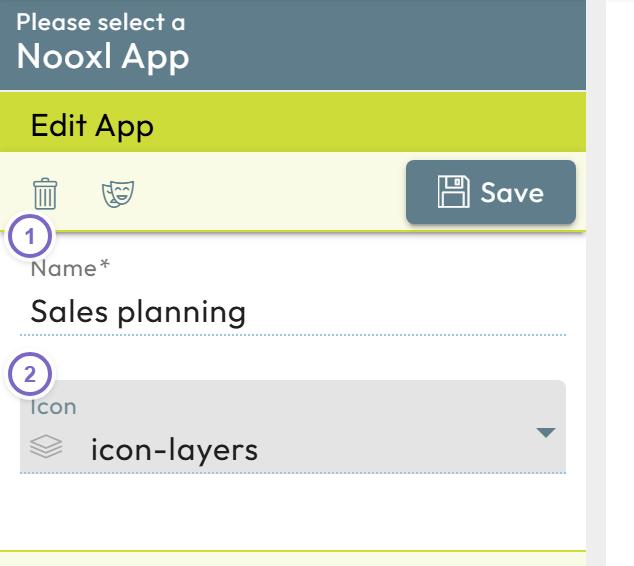
- 1 Enter the app name and icon.
- 2 Save, then open the app.
For more, see Create, edit, and delete an app.
Next: Upload your first model