4. Data labels and datasets
So far the model has one dataset. To get several — for example one per scenario — use data labels.
- Create a data label category (for example Scenarios).
- Add a few data labels to it (for example Base, Best, Worst).
- Create a data label collection over that category (for example All labels).
- In the model's dataset selection, enter Design mode and add the collection as a selection; confirm the warning, keep the defaults, and Save.
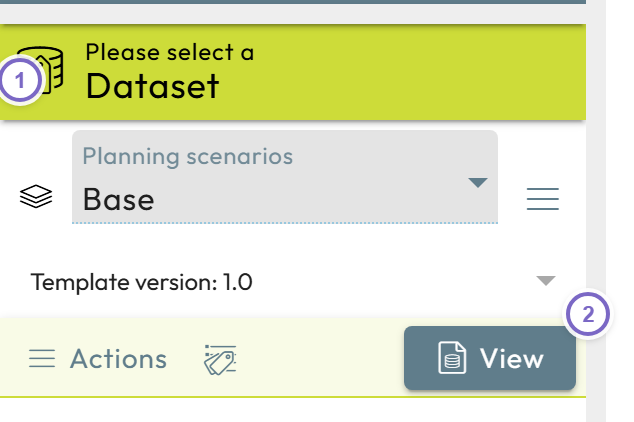
- 1 Pick a label (for example Base).
- 2 Click View to open that dataset.
Each label now gives its own dataset with its own stored values. For more, see Data labels and Dataset selections.
Next: Read external data