3. Connect cells to storage
To make cells store data, add a cell storage section.
- Open a dataset of the model and switch the model into Design mode ().
- Select the input cell(s).
- Click + Cell Storage, enter a unique name, choose what to store (for example Number and text values), and Create.
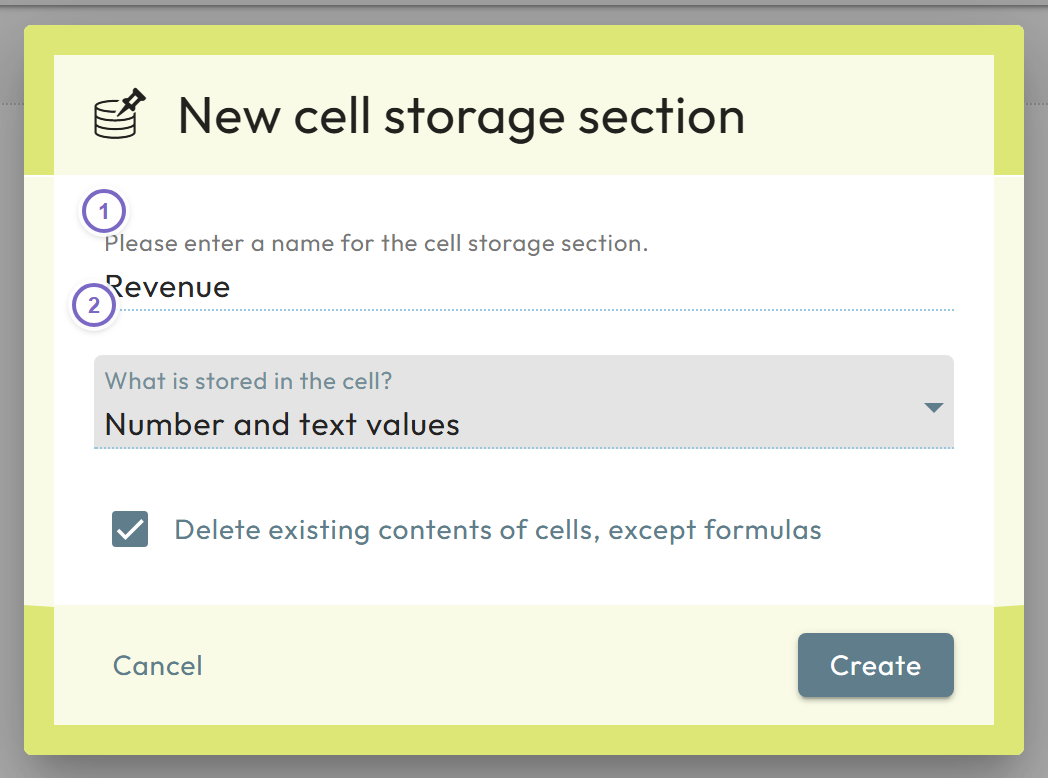
- 1 Select the cells and open + Cell Storage.
- 2 Name it and choose what to store.
The cells now take the input color and store what users type. For more, see Cell storage section.
Next: Data labels and datasets