Input cells and colors
In a model, the background color of a cell signals whether users may type into it. When you create a cell storage section, its cells are given the background color that marks them as input cells, so users immediately see where data can be entered.
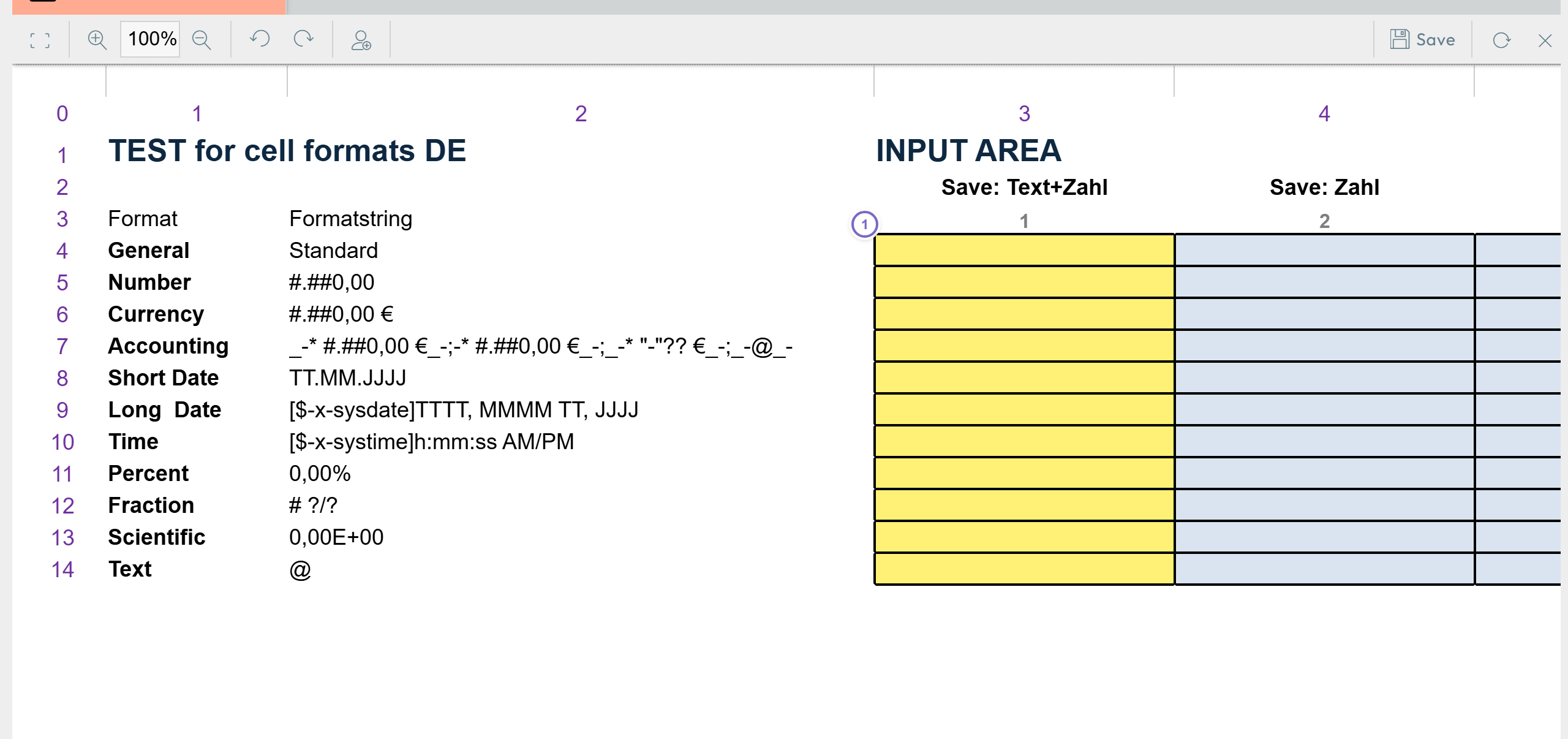
- 1 Cells backed by a cell storage section carry the input color.
Why color matters
- For users: colored cells are the cells they are expected to fill in.
- For the designer: when saving, Nooxl Apps can be told to ignore cells with an unknown background color, so only cells whose color matches the cell-storage color are saved. This lets you store a few cells inside a large range without creating a separate section anchor for each.
note
The extra background-color check during saving takes a little time, so it is slightly slower than creating many small cell storage sections.
Customizing the colors
The input and cell-storage colors are part of the model's cell styles, which you can adjust. See cell styles.