Dataset states and history
Every time a dataset is viewed or changed, Nooxl Apps records the activity. The History view gives an overview of these activities, so you can track who did what and when.
The history list
Open History from the navigation. By default the list is filtered to your own open activities and grouped by model. Use the filter to search entries.
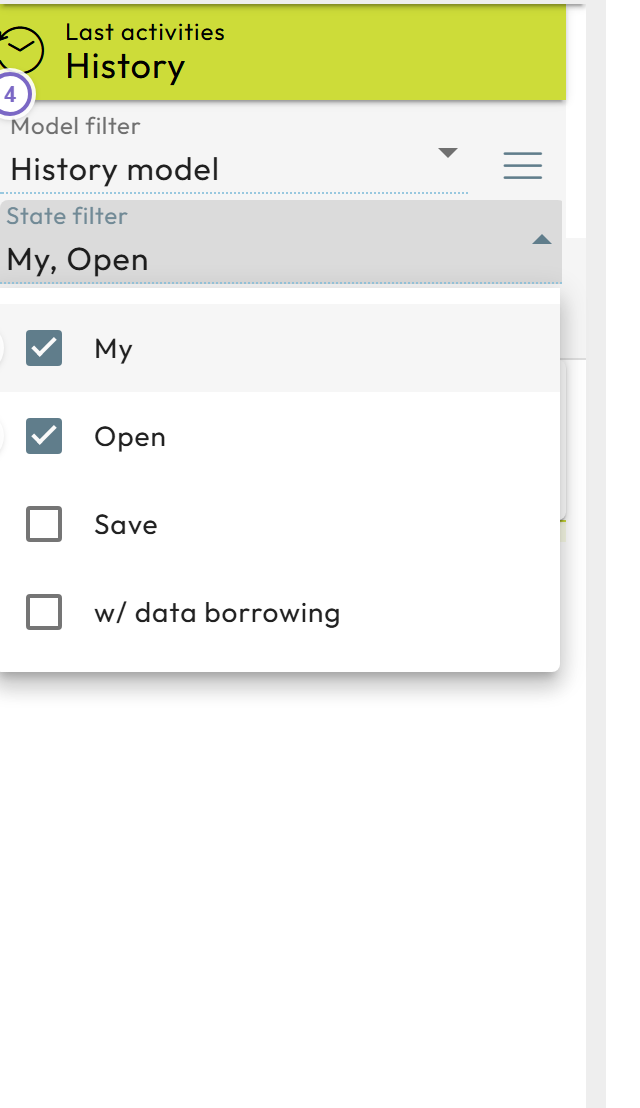
- 1 The History entry in the navigation.
- 2 The "own activities" filter.
- 3 The "open activities" filter.
- 4 The search/filter field.
Each row shows the model, the dataset, the time of the last activity, and the user. Two icons indicate the type of activity (a dataset was viewed or changed) and whether the dataset is still open.
Depending on permissions and the app configuration, you see only your own activities or the activities of all users.
Inspect an activity
Click an activity to open its state. Depending on your permissions you can:
- see the model and dataset, when the activity started, when it was last saved, who the user is, and (if closed) when it was closed,
- delete the activity entry from the logs,
- open or close the activity,
- and open the dataset as it was during the activity.
The last action lets you reconstruct who changed what and when: the historical activity opens alongside the currently stored dataset, and Nooxl Apps offers a button to compare the two with the Model comparer.