6. Permissions
Finally, give the right people access.
- Open the Collaboration area.
- On User profiles, make sure the users exist; optionally bundle them into a permission group.
- On Permissions, enter Design mode and grant at least:
- Use the app (without it, nothing inside the app works),
- Open model (and Save model for editors) on your model.
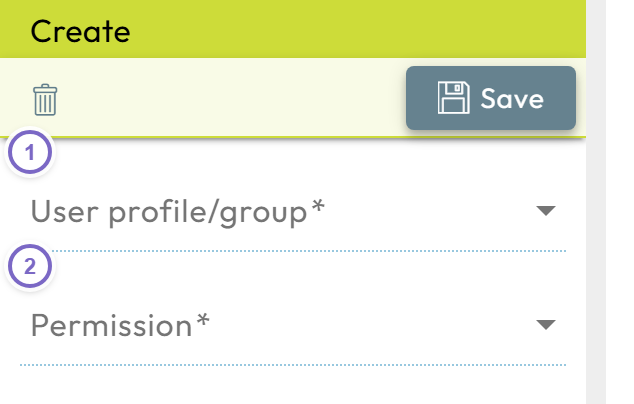
- 1 Choose the user or group.
- 2 Choose the permission and object, then save.
For status-dependent rights, see workflow permissions.
That's it — you have built and shared your first Nooxl App. Explore the Concepts and section guides to go further.