Data export
A data export provides extracts of your Nooxl App's data for analysis. The data is delivered as an Excel file with all data on separate sheets, which you can use to build a pivot data model — or analyze in any tool that imports Excel.
note
In older documentation and the API this is Bidata.
Download an export
An app may offer multiple data exports. Open Data export and click the download button next to an export to get its Excel file.
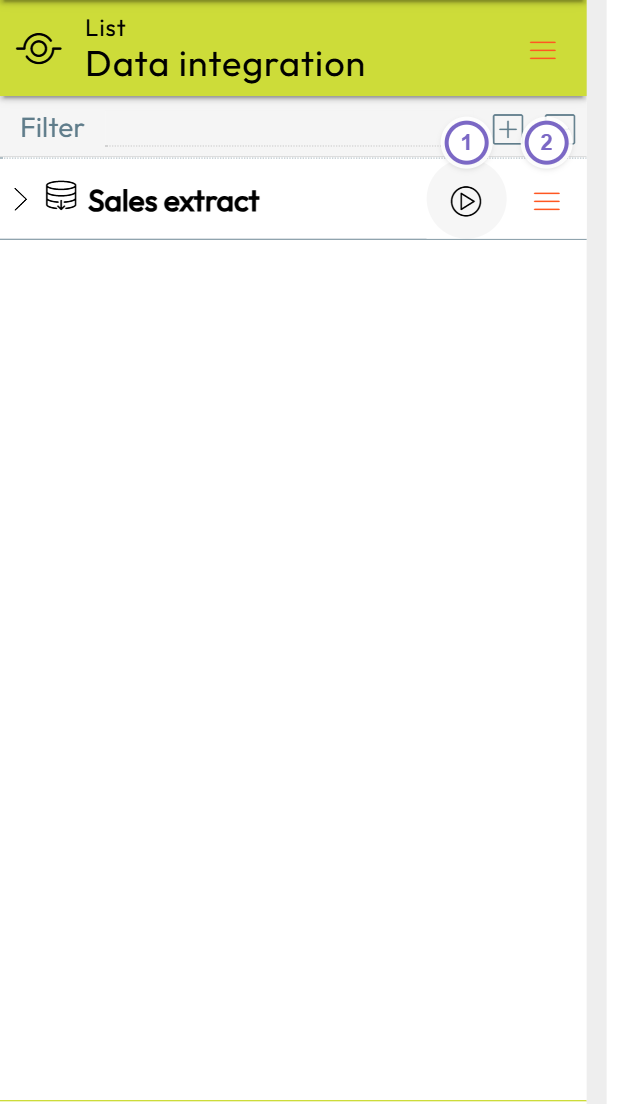
- 1 Start the export (Excel download).
- 2 Open the export details menu.
Explore an export's structure
Open an export's details to see its dimensions and fact tables. Following dimensional modeling, dimensions provide the context (labels, categories) and fact tables hold the measured values (the grains).