Nooxl AI agent
The Nooxl AI agent (Chat with Nooxl AI) lets you ask questions and get help directly inside your Nooxl App.
When to use
- Ask how to do something in the app.
- Get assistance with designer tasks without leaving your workflow.
Step by step
- Open the AI Agent tab in the tools panel on the right.
- Type your prompt and send it.
- Review the response; use the history to revisit recent prompts.
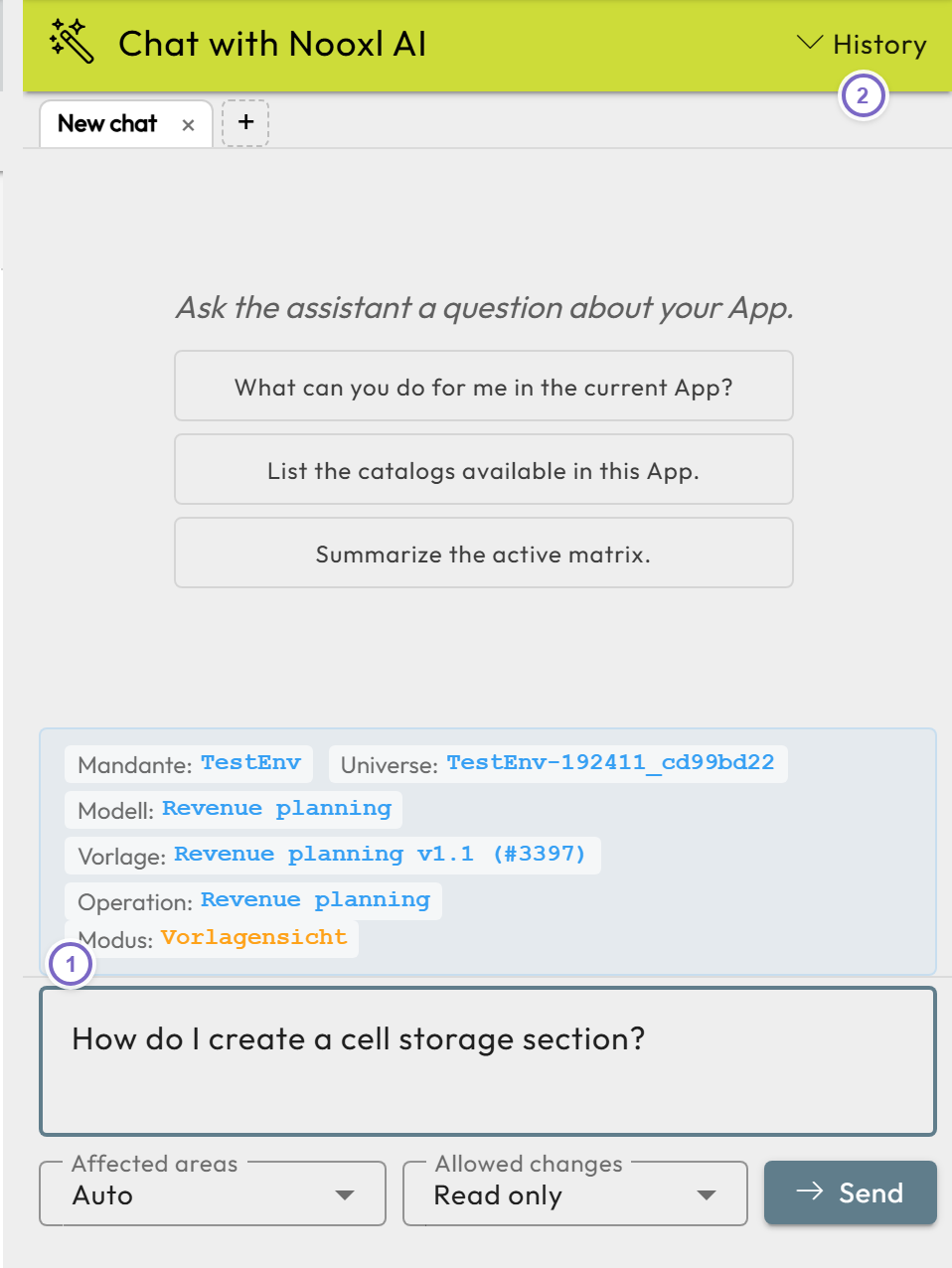
- 1 Enter your prompt. Below the input you can restrict the affected areas and the allowed changes (for example read only).
- 2 Open the history of recent prompts.
note
What the agent can do depends on your permissions and the app configuration.
Related
- AI Agents and MCP — connect external AI agents through the Sheet MCP.
- Notes — the documentation the agent reads as context and can write.
- Sections overview
- Glossary