Cell storage bindings
Cell storage bindings are the connection between a model's cells and the cell storage that backs them. A binding tells Nooxl Apps which stored values belong to which cells, so the right data is read into and written from each cell.
note
In older documentation and the API this is a bind (Bind). Most of the time bindings are created and maintained for you when you create a cell storage section; you only work with them directly in advanced scenarios.
When you encounter bindings
- When a cell storage section uses dimensions, bindings map each label combination to its cell.
- When you read external data, bindings connect the source storage to the cells in this model.
Step by step
- Open the model in template Design mode and locate the cell storage in the Tools area.
- Review or adjust the bindings so each cell maps to the intended stored value.
- Save and reload to verify the data appears in the right cells.
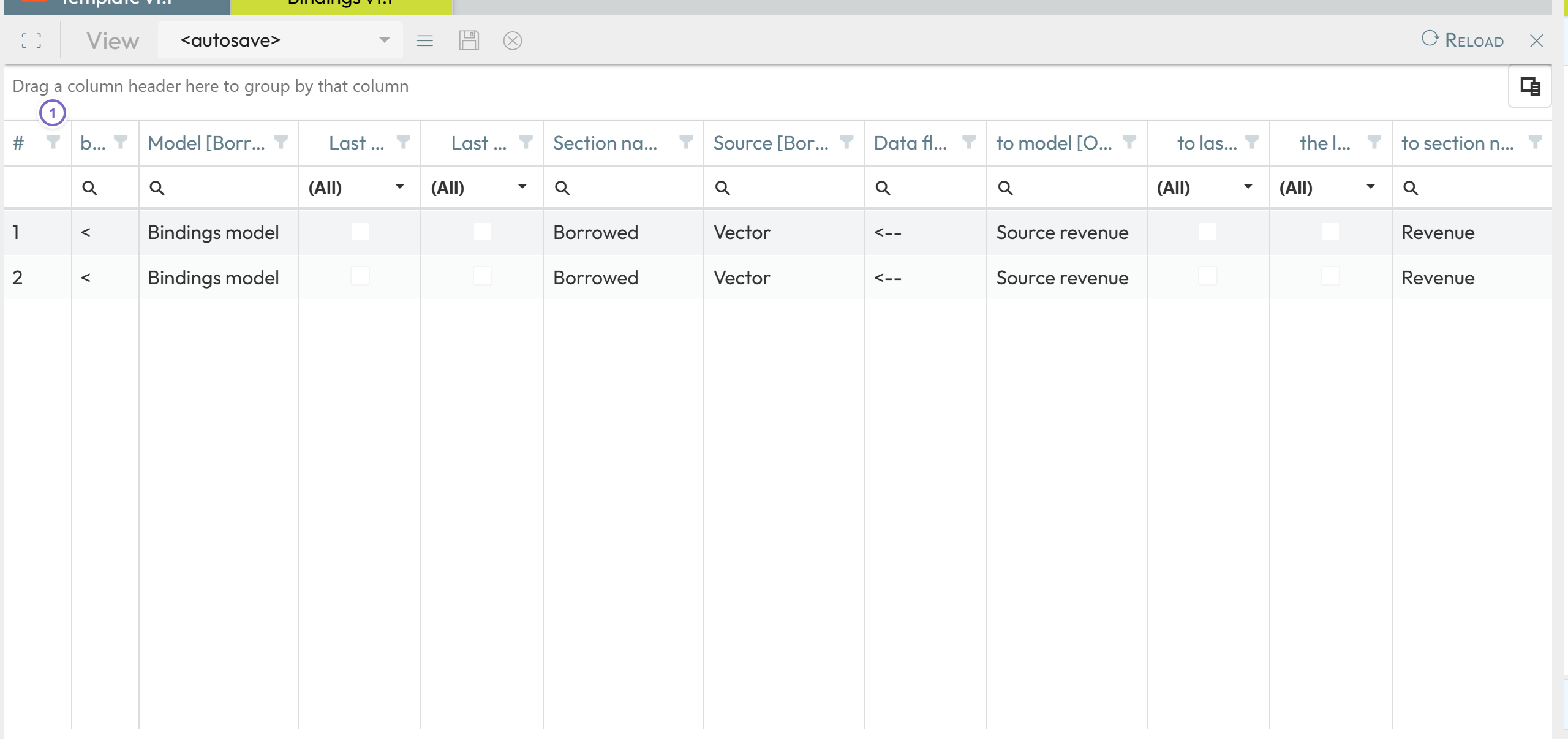
- 1 The mapping between cells and their stored values.