Cell styles
The background color of a cell in a model tells users whether they can type into it. When you add a cell storage section, its cells receive the input-cell background color so users immediately recognize the editable cells.
Input cells
Newly created cell storage cells are configured to store and read their content and are given the input color. Nooxl Apps ships dedicated input cell styles (for example Enter.Light, Enter.Normal, Enter.Strong) for different emphasis.
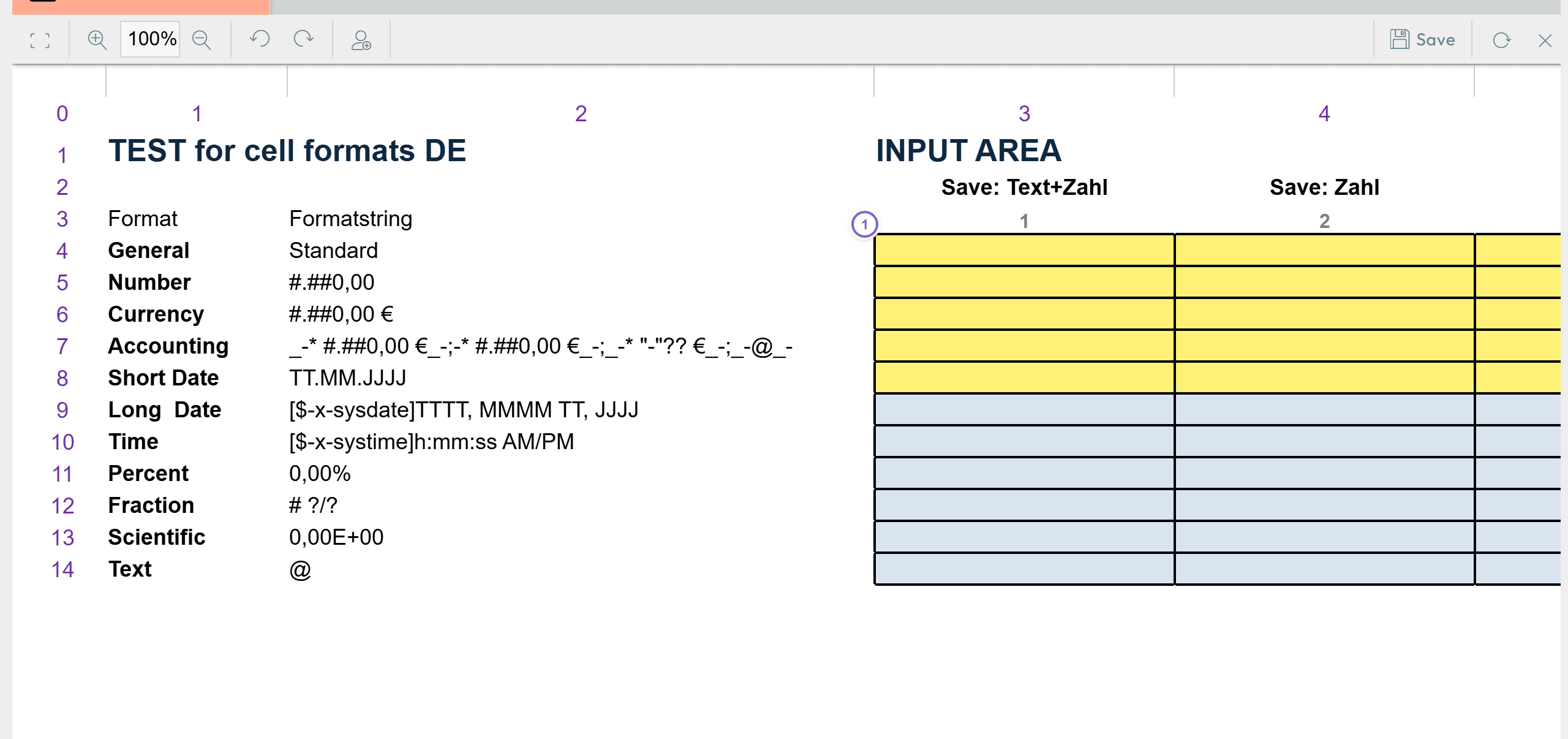
- 1 Cells with an input color are the ones users fill in.
Ignore cells with unknown background color
When saving a cell storage section you can enable Ignore cells with unknown background color. Then only cells whose color matches the cell-storage color are saved. This lets you store a few cells inside a large range without creating a separate section anchor for each.
The extra color check during saving takes a little time, so it is slightly slower than many small cell storage sections.
Where styles come from
Cell styles originate from the Excel template, and Nooxl applies its input styles on top where cell storage is present. Keep the input colors consistent across your models so users always recognize editable cells.