Clone a model
You can base a new model on an existing one. This copies the model's spreadsheet so you can adapt it without affecting the original.
Prerequisites
- A Nooxl App is open and Design mode is active ().
- The source model has at least one template version.
Step by step
- Enter Design mode ().
- Go to the source model and open its version management.
- Open the version's settings (edit button) and click Clone as new model.
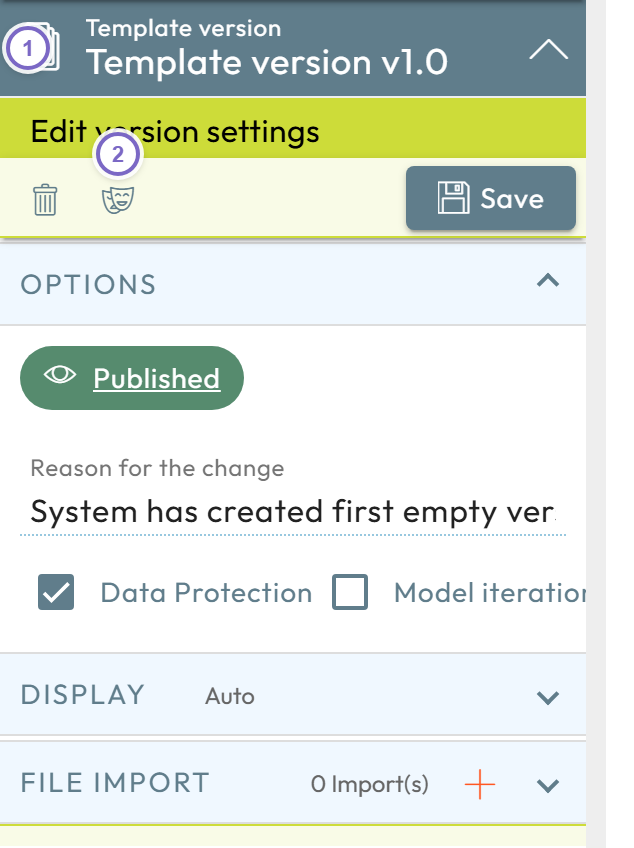
- 1 Open the version management of the model.
- 2 Click Clone as new model in the version settings.
The new model is created with " copy" appended to the original name. Rename it as you like.
note
Cloning copies the spreadsheet only. To copy an entire app including data, use Copy / clone an app.